Yes, you can read Kindle books without owning a Kindle device. Amazon offers free Kindle apps for supported phones, tablets, and computers, plus Kindle for Web for supported browsers. You still need access to the book you want through a purchase, an eligible borrowing benefit, or another applicable offer.
A Kindle ebook and a Kindle e-reader are different things: one is a reading format, the other is a piece of hardware. You can begin with a screen you already use and decide later whether a dedicated reader would suit your habits. There is no need to buy new hardware before meeting your next fictional obsession.
Three ways to read Kindle ebooks on another device
The simplest starting point is the official Kindle app for your supported device. Amazon’s Kindle app guide describes options for phones, tablets, and computers and links to its download information. Use the current listing for compatibility rather than assuming that any device bearing a familiar platform name is supported.
The second route is Kindle for Web, which runs in a supported browser. That can be useful when you want to explore browser reading before installing an app. The third practical arrangement is using more than one supported screen: perhaps a phone for short breaks and a tablet or computer for longer sessions.
These routes answer where you can read. They do not determine whether the specific romance is included in a subscription, available in your marketplace, or offered in the language you want. Keep the screen decision and the book-access decision separate so that one does not obscure the other.
Can I read Kindle books on an iPhone or Android phone?
Yes, on a supported phone using the appropriate Kindle app. Check the current app-store requirements for your operating system and device. A phone may be a convenient starting point because you already carry it, but you are free to prefer a larger screen for longer reading.

From Alisson Bento’s books
Vampire
A vampire romance about a captive bargain that turns into the only place she wants to be.
Kindle edition · Check Kindle Unlimited availability on Amazon.
What the free Kindle app does, and what it does not buy
The Kindle app provides a place to open and read accessible Kindle content. Its being free does not mean that every ebook displayed in the store or recommendations is free. A paid ebook, a limited sample, and a borrowed title remain different kinds of content access.
You do not need Kindle Unlimited simply to use the reading app. If you choose to use that subscription, it applies to eligible titles under its terms. If you purchase an ebook separately, that purchase is its own transaction. A subscription sign-up beside a book should never be treated as a necessary app-installation step.
For an initial reading trial, choose something you can access through the legitimate options presented to you, such as an available sample. That lets you try the screen and text controls before deciding on a longer story. Read the labels carefully; opening a preview is different from obtaining the complete book.
For a fuller comparison of access routes, see Kindle Unlimited vs buying an ebook. Once access is clear, the app is simply where the pages meet your eyes.
Do I need Amazon Prime to read in the Kindle app?
No, Prime is not the general requirement for reading a separately purchased Kindle ebook in the app. A particular Prime reading benefit, where offered, has its own eligibility conditions. Do not confuse those conditions with the requirements of the reading app itself.
Use the Amazon account associated with your books
Install the official app for your supported device, then use the Amazon account associated with your book access. Amazon’s guide to reading on other devices explains the relationship between the account used for a purchase and the library that appears in the app.
That account connection is the detail most worth checking before troubleshooting hardware. If you browse under one account and open the reading app under another, seeing an empty or unfamiliar library does not establish that your phone cannot read Kindle books. The screen may be perfectly suitable while the account context is different.
Keep edition details in view as well. An English ebook, a translated ebook, a paperback, and an audiobook may share a cover style without being the same item. Verify the format in the purchase or borrowing record rather than searching your Kindle library for something obtained in another format.
On a shared device, make sure you understand which account is currently active before selecting a book-access option. Do not assume that a saved sign-in belongs to you merely because the device is familiar. Account clarity prevents a practical mistake before it becomes a missing-book puzzle.
Reading Kindle books on a computer or in a browser
A supported computer app can offer a larger reading area, which may suit readers who prefer to sit at a desk or adjust text beside other windows. Check Amazon’s current app information for your computer’s platform and requirements. An old tutorial naming a discontinued version is not a reliable compatibility check.
For browser reading, Amazon’s Kindle for Web help lists supported browsers and notes that not all titles can be read through that route. If an accessible book does not work in the web reader, consult the current guidance and consider a supported Kindle app instead.
A browser option can feel convenient when you move among locations, but think about the device you are using. A personal computer where you control sign-in and settings provides a different reading situation from a shared workstation. Choose an arrangement where you can manage your own account and settle comfortably into the story.
Does browser reading mean I can open every ebook everywhere?
No. Browser support and title support both matter. A book appearing in your library does not guarantee that every reading interface supports it. Confirm the exact title and the official web-reader requirements before treating an unavailable browser view as a failed purchase.
Choose a phone, tablet, or computer for your actual routine
A phone is useful when the opportunity to read appears unexpectedly: a quiet break, a few minutes before dinner, or the wait for someone to arrive. Its smaller screen may call for different text settings. Try the size you can comfortably read instead of squeezing more words onto the display simply to turn fewer pages.
A tablet may suit a longer session when you want a larger page area and the freedom to change where you sit. Consider how you hold or support it. A screen can look excellent on a table and feel less convenient when held in one hand through a whole scene.
A computer may suit readers who prefer a stable position and a large display. Try narrowing the reading area if long lines make it harder to follow the paragraph. The goal is a page you enjoy reading, not a competition to make every available inch contain text.
None of these preferences proves one format is best for everyone. If you mostly read during brief pauses, portability may matter most. If you enjoy uninterrupted evenings, the way your screen rests and the space around the text may become more important. Use one ordinary reading session to learn what you prefer.
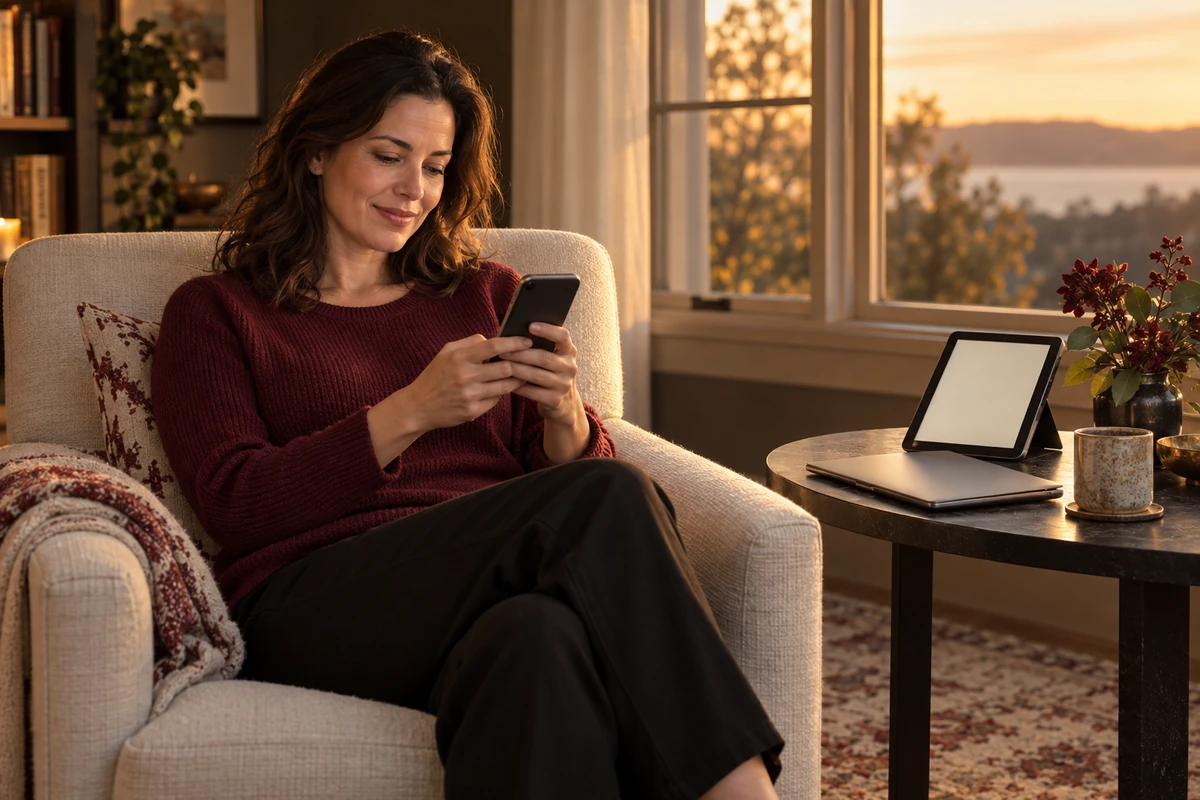
For an invented example, a reader opens a romance on a phone while dinner cooks, then uses a supported tablet after settling into a chair. The two screens serve different moments in the same routine. That reader does not need to choose one device as the only acceptable way to read; the useful question is which arrangement makes each session easier.
Adjust the page before judging the experience
Amazon’s app guide describes text and layout controls, including font size and page appearance. The available settings can differ by app, version, and content. Explore the controls offered by your current reading interface rather than expecting every screenshot in a tutorial to match your screen.
Make one adjustment at a time. If you enlarge the text, change the page background, and switch the reading layout together, it becomes harder to tell which choice helped. Try a paragraph, change one setting, then read a little more. You are designing a comfortable page for yourself.
Notice the room as well as the screen. A device that looks pleasant in daylight may need a different brightness setting in the evening. Put the screen where you can read without repeatedly shifting your grip. These are ordinary comfort choices, not a claim that one setting provides a medical benefit.
If interruptions are the problem, use whatever notification controls your device offers and choose a reading window that feels realistic. A romance opening deserves enough attention for its tone to register. You can give it that space on a phone as readily as on another supported screen.
What to check if a Kindle book is missing
Begin with the exact account and transaction. Did you obtain the full Kindle edition, or only view a sample? Did the purchase or borrowing action complete? Are you looking for the correct language edition? Answering those questions is more useful than purchasing the same item again in the hope that it appears.
Then check your connection and the app’s current synchronization options. Amazon’s library guidance points to account, connection, and syncing checks when content is missing. Follow the current help for your own interface if the library does not update.
If the book appears but does not open, distinguish an access problem from a screen problem. A membership borrow may depend on an active benefit; Kindle for Web may not support that title; an app may need a supported version. Those situations call for different checks, even if they all initially feel like “my book is missing.”
For unresolved problems, use Amazon’s official support with the title, edition, account context, and the message shown on your screen. You do not need to speculate about device failure or install unofficial reading software to explain what happened.
A first-session checklist before buying a dedicated reader
Try the setup you already have through one real reading session. Open content you have access to, confirm that the correct edition loads, set a comfortable text size, and read beyond a quick glance. Notice what actually gets in the way, if anything.
- Screen fit: Can you follow the text easily at a size you prefer?
- Routine fit: Is this device available where and when you usually read?
- Attention fit: Can you manage interruptions well enough to enjoy the scene?
- Access fit: Do the app and account reliably show the books you have obtained?
These observations can guide a later hardware decision. If your existing screen works, you have already found a reading route. If you want a dedicated device afterward, you can evaluate it against a specific preference instead of believing that the word Kindle requires a new purchase.
Start with the romance catalog, choose your reading language, and confirm the exact Amazon edition and access option. Your first charged exchange, outrageous fictional bargain, or beautifully inconvenient attraction can begin on a supported screen you already own.
Official Amazon information: Kindle app · Kindle for Web help